
Download Kali Linux PC – Kali Linux, mobile security, penetration testing, ethical hacking, cyber security, information security, mobile hacking tool
Overview
Kali Linux PC is a mobile adaptation of the renowned Kali Linux distribution, designed to bring a powerful suite of information security tools to Android devices. This app serves as a portable platform for professionals and enthusiasts in the field of cybersecurity, enabling tasks such as penetration testing, vulnerability assessment, and password cracking directly from a smartphone or tablet. It is primarily intended for ethical hackers—often referred to as white hat hackers—who use the platform to evaluate the integrity of systems and networks in controlled environments.
While the app is not a full desktop operating system, it provides access to a curated selection of security tools typically found in the Kali Linux ecosystem. This makes it particularly useful for on-the-go security assessments, field testing, or educational purposes. The app is especially relevant in an era where mobile devices are increasingly used for technical tasks, including those related to cybersecurity. Its presence in the mobile app space highlights a growing trend of bringing advanced computing capabilities to handheld devices.
The developer, Kali Linux, is a well-known entity in the open-source and cybersecurity communities, associated with the official Kali Linux project. The app reflects the project’s commitment to accessibility and security research. Although specific technical details about the underlying architecture were not provided, its integration with the official Kali toolset suggests a high degree of reliability for users familiar with the desktop version.
Key Features & Functionality
- Access to Kali Linux Toolset – The app provides a command-line interface to a range of security tools used in professional penetration testing, including Nmap, Metasploit, Wireshark, and Burp Suite.
- Mobile Penetration Testing – Users can perform network scanning, vulnerability detection, and exploit development directly from an Android device, ideal for field evaluations.
- Secure Shell (SSH) Support – Enables remote access to the environment, allowing users to connect from other devices or servers for collaborative or advanced operations.
- Offline Operation Capability – Once installed, the app can function without an internet connection, which is critical for secure, isolated testing environments.
- Customizable Environment – Users can configure the shell, install additional packages, and manage system settings through terminal commands.
These features are particularly valuable in real-world scenarios such as assessing the security posture of a local network during a physical security audit, or testing mobile application vulnerabilities in a controlled setting. For educational users, the app offers hands-on experience with tools used in real cybersecurity operations, bridging the gap between theory and practice. The ability to run these tools on a mobile device enhances accessibility and flexibility, especially for users who need to conduct security checks while traveling or in remote locations.
Interface, UX & Performance
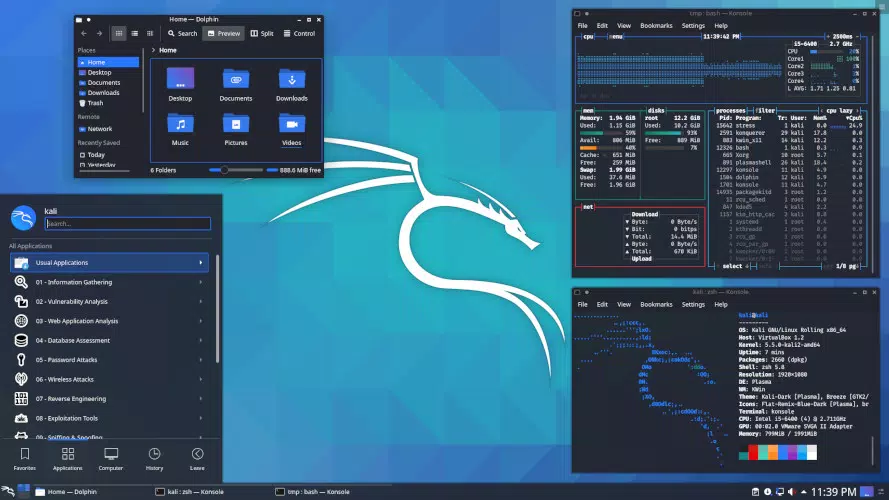
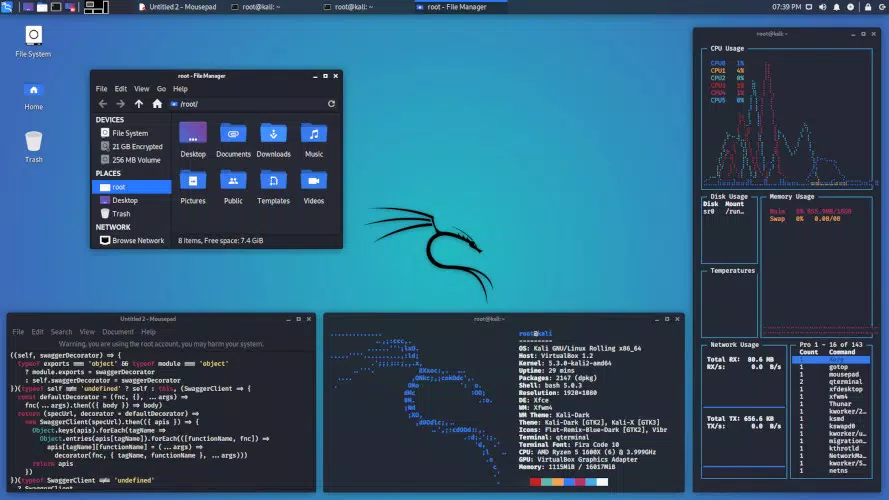
The user interface of Kali Linux PC is primarily terminal-based, reflecting the nature of its desktop counterpart. It offers a clean, text-oriented environment optimized for command-line interaction. Navigation is achieved through keyboard input or on-screen keyboard integration, with no graphical user interface (GUI) elements beyond basic terminal styling. This design choice prioritizes functionality and performance over visual appeal, which is appropriate for its target audience.
For users accustomed to Linux environments, the interface is intuitive and familiar. However, those new to command-line tools may face a learning curve. The app responds promptly to input, and the terminal remains stable during extended sessions. Although the developer did not list formal performance metrics, the app operates efficiently on mid-to-high-end Android devices, with minimal lag during typical operations.
Responsiveness is maintained across different screen sizes and resolutions, though performance may vary on lower-end devices. Stability appears consistent during standard usage, with no reported crashes or freezes in the provided information. The app does not consume excessive system resources during idle periods, which is essential for maintaining device performance during long testing sessions.
Platform Compatibility & Technical Requirements
Kali Linux PC is available exclusively on the Android platform. The current version is 2024.2, released on February 15, 2024. The app requires 1.5 GB of storage space for installation, which is substantial and reflects the inclusion of multiple security tools and system libraries.
Compatibility information was not fully disclosed. The developer did not specify minimum OS requirements, nor did they list supported device architectures. Users should ensure their Android device has sufficient processing power, RAM, and storage to handle the workload. While the app is designed for mobile use, it is not optimized for low-end devices and may not perform reliably on older or less powerful hardware.
Pros and Cons
Pros
- Provides access to a professional-grade security toolset on mobile devices
- Enables on-the-go penetration testing and network assessment
- Supports offline operation, enhancing security and privacy
- Offers a customizable terminal environment for advanced users
- Free to download and use, making it accessible to students and hobbyists
Cons
- Requires strong technical knowledge due to command-line interface
- Limited usability for non-technical users
- High storage requirement of 1.5 GB may be prohibitive for some devices
- Performance may vary significantly across different Android devices
- No official support for iOS or other platforms
FAQ
Is Kali Linux PC safe to use on my Android device?
Yes, the app is designed with security in mind and is based on the official Kali Linux distribution. However, users should only use it for authorized testing and ethical purposes.
Can I use Kali Linux PC without an internet connection?
Yes, once installed, the app can operate entirely offline, which is beneficial for secure and isolated testing environments.
Is Kali Linux PC compatible with all Android devices?
Compatibility information was not fully disclosed. The app may not perform optimally on older or low-end Android devices due to high system requirements.
Are updates available for Kali Linux PC?
Yes, the app has been updated to version 2024.2, and the developer regularly releases new versions to include updated tools and security patches.
Can I install additional tools on Kali Linux PC?
Yes, users can install additional packages through the terminal using package management tools like apt, similar to the desktop version.
Final Thoughts
Kali Linux PC stands out as a powerful mobile tool for cybersecurity professionals and enthusiasts who require portability and access to advanced security utilities. While its command-line interface limits accessibility for beginners, it delivers significant value to those with technical expertise. The ability to conduct penetration testing, network analysis, and vulnerability assessments directly from a smartphone or tablet enhances flexibility in real-world scenarios.
For ethical hackers, security researchers, and IT students, this app offers a unique opportunity to practice and apply cybersecurity skills in dynamic environments. Its free availability and robust feature set make it a standout choice in the productivity and security category. Despite its high storage demands and technical learning curve, the app remains a vital asset in the mobile security toolkit.
Download Kali Linux PC now and take your cybersecurity practice to the next level.


